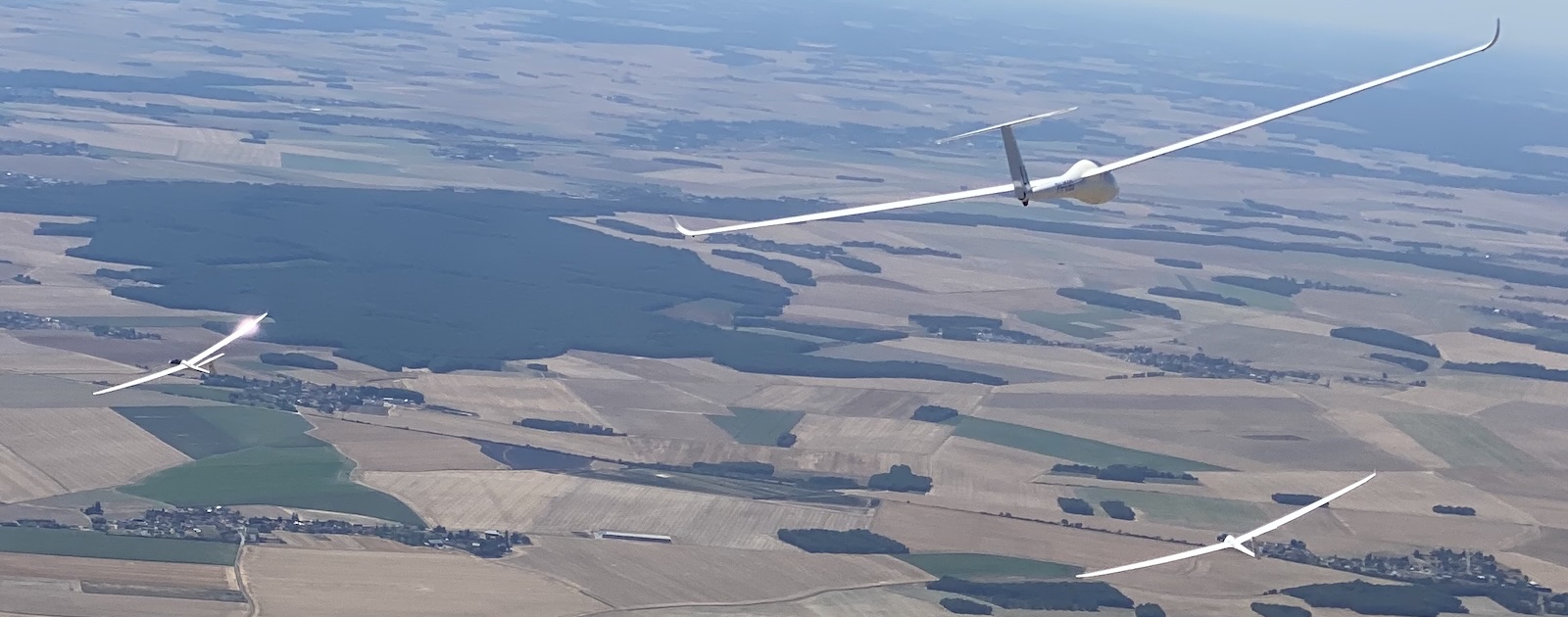
If you've flown in Polish competitions or the European Gliding Championships (EGC), you've likely encountered the cylinder start with PEV. Instead of crossing a start line, you press the event button on your logger while inside a large start cylinder. Vulture now detects this automatically when analysing your flight.
What is a PEV cylinder start?
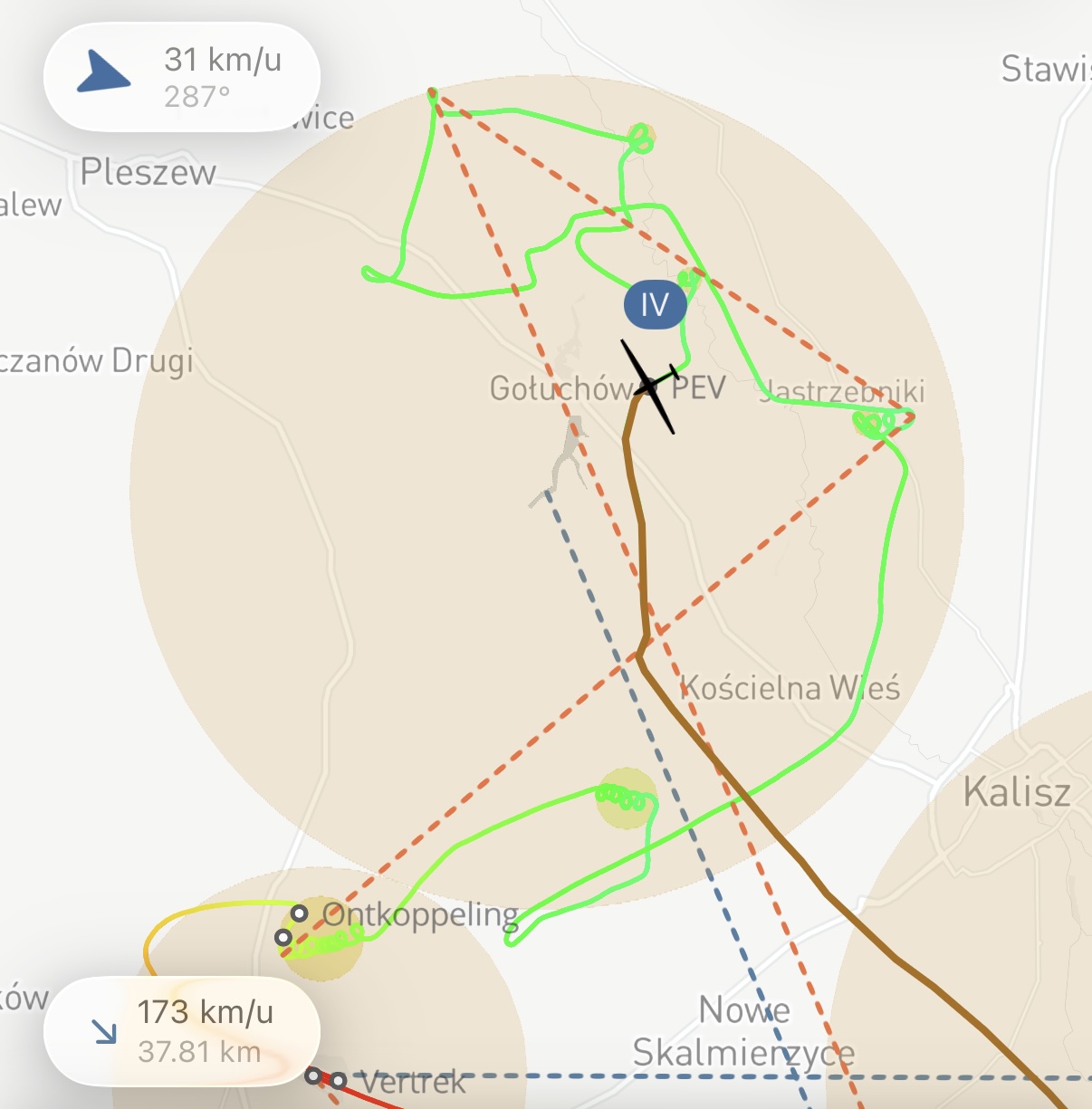
In traditional racing tasks, the start is defined as a line that you cross at speed. But in many Polish and European competitions, the start zone is a large cylinder, often 10 km in radius, centred on the start point. To start the task, you press the Pilot Event (PEV) button on your flight recorder while inside the cylinder.
This rule is defined in FAI Sporting Code, Annex A, Section 7.4.4. The key principle: the last PEV fix recorded inside the start cylinder is your credited start point and time.
Why use a cylinder start?
The cylinder start has several advantages over a traditional start line:
- Safety: no gaggle funnelling into a narrow gate at high speed
- Flexibility: pilots can start from anywhere inside the cylinder, choosing their own moment and direction
- Fairness: the large radius gives everyone room to position for the best start
How Vulture handles it
You don't need to configure anything. When Vulture analyses a flight with a cylinder start zone (a zone with an angle of 180° or more, rather than a line), it automatically looks for PEV markers in the IGC file.
If PEV events are found, Vulture uses the last one as your credited start. It looks across the whole span you spent at the start, not only the fixes strictly inside the zone, because a press right on the boundary can log a fix that falls a little outside it and would otherwise be missed. If no PEV is present, for example in an older flight or on a logger that doesn't support it, Vulture falls back to the standard exit-based start detection.
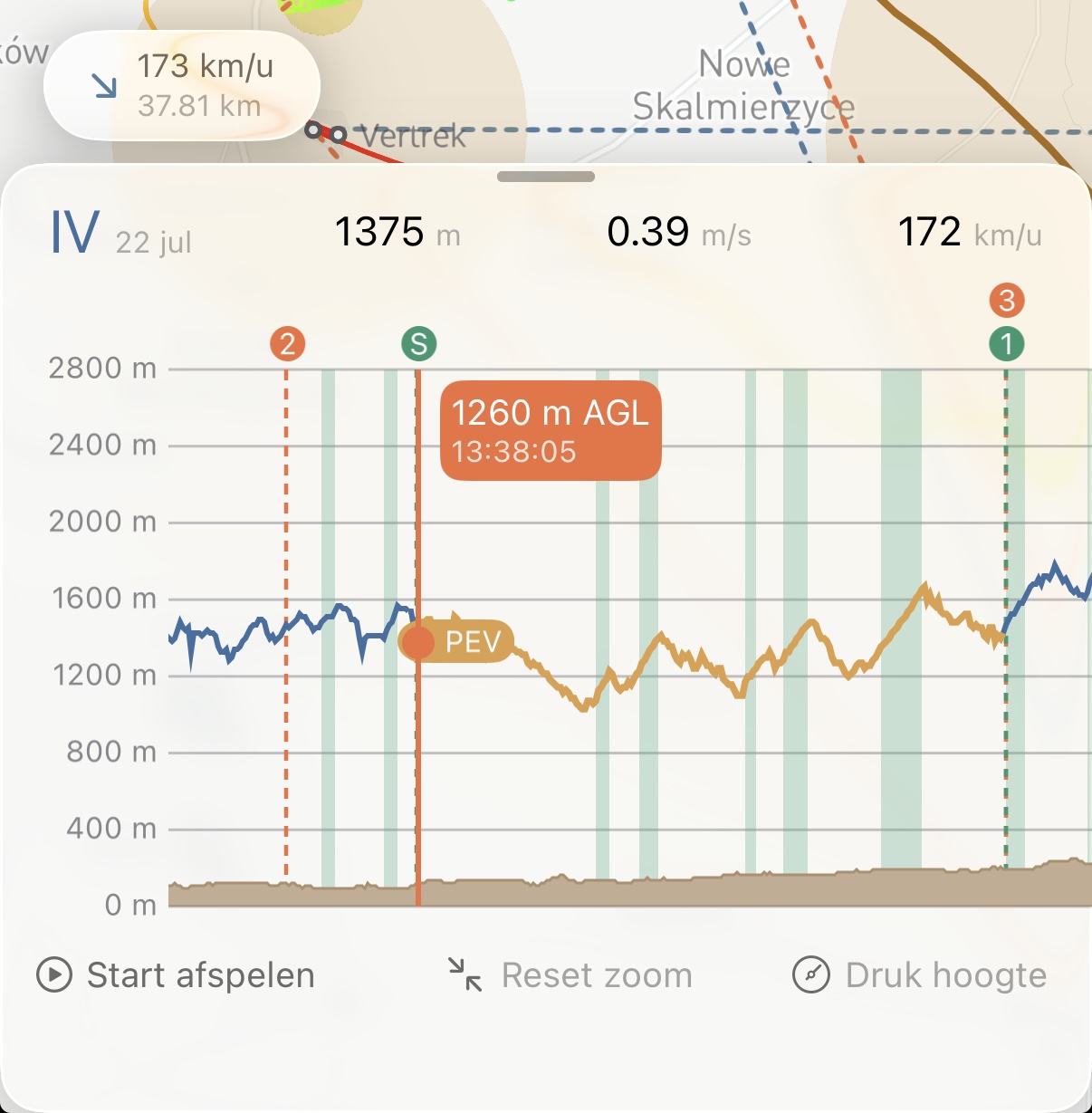
PEV events also appear on the barograph, so you can see exactly when the button was pressed in relation to your altitude and the task.
Soaring Spot and EGC tasks
When you download flights from Soaring Spot that use a cylinder start, the task definition already includes the correct zone parameters. Vulture applies the task automatically and detects the PEV start. Open a competition day, download the flights, and the start times and task statistics are calculated correctly from the first moment.
In summary
- Cylinder start = large circular zone instead of a line
- PEV = press the event button on your logger to mark your start
- Last PEV inside the cylinder = your credited start time and position
- Vulture detects this automatically, with no settings to change
- Falls back gracefully when no PEV is recorded
Happy soaring, and blue skies!